Hello, I’m Hirossy.
Buying a paper ticket every time you take a train in Japan can be confusing, especially during your first visit.
This is where Suica becomes useful.
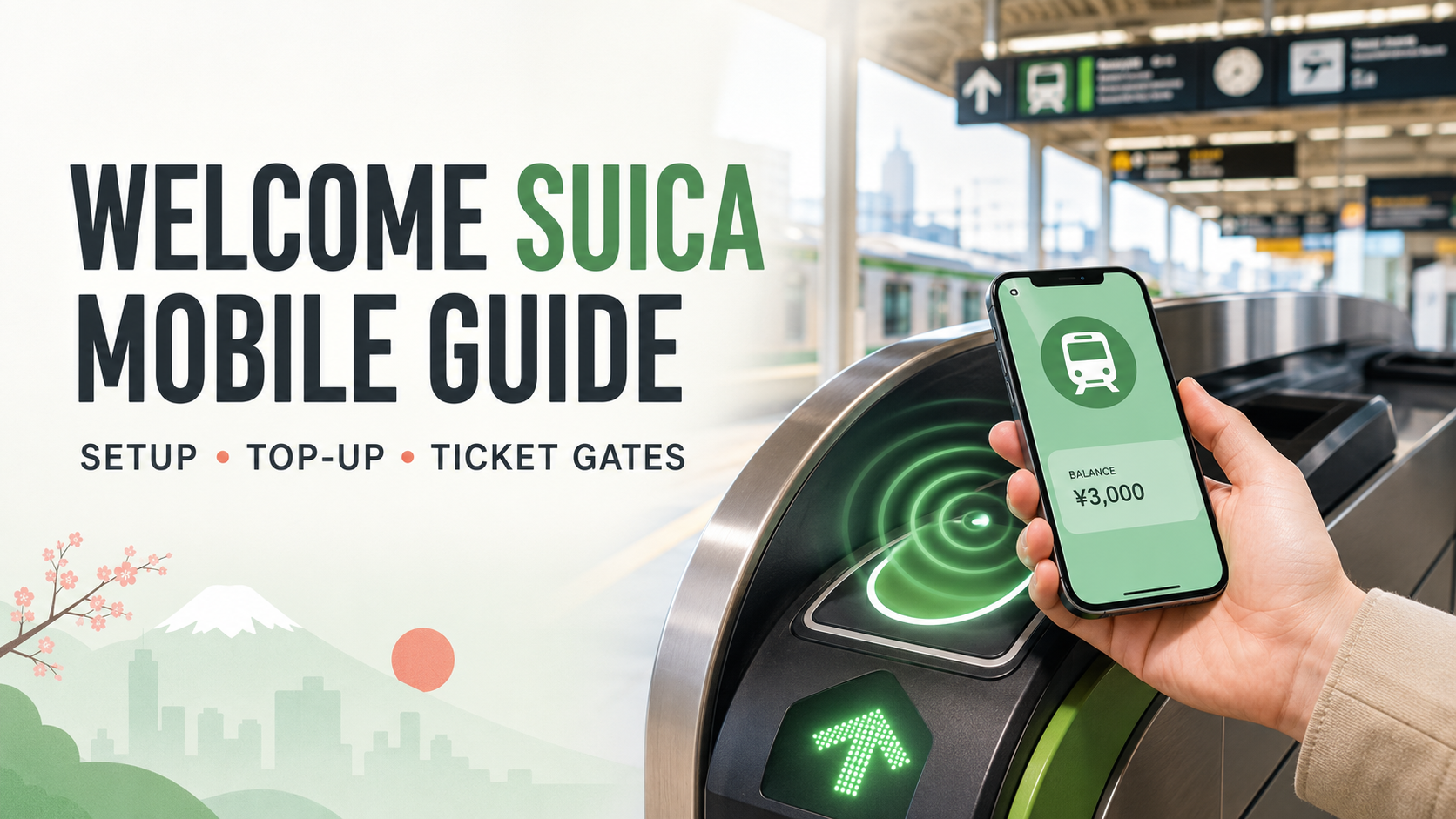
With Suica, you can enter and leave train stations by tapping your iPhone at the ticket gate. You can also use it on many buses and for payments at convenience stores, vending machines, restaurants, and other shops.
At first, I planned to recommend the regular Mobile Suica service to international travelers. I use Mobile Suica myself, and it is very convenient.
However, while researching this article, I discovered Welcome Suica Mobile, an app made especially for international visitors.
My honest reaction was:
“Wait… there was already a more traveler-friendly version?”
Welcome Suica Mobile was released by JR East on March 6, 2025, so it is still a relatively new service. That may be one reason why I had not heard much about it, even though I live in Japan and regularly use Mobile Suica.
In this guide, I will explain how to set it up, top it up, use it at ticket gates, and prepare for possible credit card problems.
- Welcome Suica Mobile at a Glance
- What Is Welcome Suica Mobile?
- Welcome Suica Mobile vs Mobile Suica: What Is the Difference?
- Who Can Use Welcome Suica Mobile?
- Important: Apple Pay Is Required for the First Top-Up
- What You Need
- How to Set Up Welcome Suica Mobile
- What If the First Apple Pay Top-Up Fails?
- How to Top Up with Cash After Issuance
- How to Use Welcome Suica Mobile at Ticket Gates
- I Was Nervous the First Time Too
- Where Can You Use Welcome Suica Mobile?
- Important Rules and Limitations
- Keep Your iPhone Charged
- Welcome Suica Mobile or a Physical IC Card?
- Is Welcome Suica Mobile Worth Using?
Welcome Suica Mobile at a Glance
| Question | Answer |
|---|---|
| Who can use it? | International visitors with a compatible iPhone |
| Android support | Not currently available for most overseas Android phones |
| First top-up | A compatible card in Apple Pay is required |
| Cash top-up | Available after the digital Suica has been issued |
| Validity | 180 days from the date it is issued |
| Refund | The remaining Suica balance is not refundable |
| Ticket gate | Tap your iPhone; normally no unlocking or Face ID is needed |
| App release date | March 6, 2025 |
What Is Welcome Suica Mobile?
Welcome Suica Mobile is an iPhone app provided by JR East for international visitors to Japan.
You can use the app to issue a digital Suica and add it to Apple Wallet. After setup, your iPhone can be used to ride trains and buses and make payments at participating stores.
Its main benefits include:
- No need to buy a physical Suica card
- Tap your iPhone at ticket gates
- Top up through Apple Pay
- Top up with cash after the Suica has been issued
- Use it at many stores and vending machines
- Check travel and train information
- Use it for 180 days from the date it is issued
JR East released Welcome Suica Mobile for iOS on March 6, 2025. You can read the original announcement in the JR East press release.
Welcome Suica Mobile vs Mobile Suica: What Is the Difference?
Welcome Suica Mobile and regular Mobile Suica work in a similar way at ticket gates.
After setup, both can be stored in Apple Wallet. You can enter and leave stations by holding your iPhone near the ticket gate reader.
However, they are made for different users.
| Welcome Suica Mobile | Regular Mobile Suica | |
|---|---|---|
| Main users | International visitors to Japan | People who live in Japan or use Suica regularly |
| Where to set it up | Welcome Suica Mobile app | Apple Wallet or the Mobile Suica app |
| Validity | 180 days from issuance | No special 180-day travel limit |
| Refund | Remaining balance is not refundable | Different refund rules apply |
| Best for | Short-term visitors with a compatible iPhone | Residents, commuters, and frequent users |
Welcome Suica Mobile currently requires a compatible iPhone. The app supports iPhone XR, iPhone XS, or later with iOS 17.2 or later.
For most short-term visitors with a compatible iPhone, Welcome Suica Mobile is the simpler choice because it was designed especially for international travelers.
Regular Mobile Suica is more suitable for people who live in Japan, use commuter passes, or plan to use Suica for a long time.
Both services are connected to Apple Wallet after setup. This means you normally do not need to open the Welcome Suica Mobile app at the ticket gate. If Express Mode is enabled, you can simply hold the top of your iPhone near the reader.
If you would like to understand the basic Suica system, including how to use it at ticket gates and how it differs from paper tickets, read this guide:
👉 How to Use Suica in Japan: A Beginner-Friendly Guide
Who Can Use Welcome Suica Mobile?
According to JR East, Welcome Suica Mobile currently supports the iPhone XR and XS or later with iOS 17.2 or later.
Compatibility requirements may change, so check the official Welcome Suica Mobile website before setting it up.
The app may not be available in every country or region. Depending on your location and local regulations, you may also be unable to issue or top up your Suica until you arrive in Japan.
If setup does not work before your trip, try again after arriving in Japan with Location Services turned on.
What About Android Users?
As of July 2026, Welcome Suica Mobile is available only for iPhone.
Regular Mobile Suica is available on compatible Android phones that support Japan’s Osaifu-Keitai system. However, most Android phones purchased outside Japan cannot use it, even if they support NFC or Google Wallet.
JR East plans to launch Welcome Suica Mobile for compatible Samsung Galaxy smartphones sold overseas in the first half of 2027. The service will support certain Galaxy models released from 2027 onward.
Compatible countries, models, and the exact launch date have not yet been announced. Check the JR East announcement about future Android support for details.
For now, most overseas Android users should use a physical IC card or paper train tickets.
Important: Apple Pay Is Required for the First Top-Up
This is the most important limitation to understand.
You need a supported card in Apple Pay to make the first top-up and issue your Welcome Suica Mobile card.
If your payment card is declined before the Suica is issued, you cannot top it up with cash yet because your digital Suica does not exist.
In that situation, try:
- Another card registered with Apple Pay
- A card from a different issuer
- A card using a different payment network
- A physical IC card, if available
- A paper train ticket
Cash top-ups are useful, but they become available only after your digital Suica has been successfully issued.
What You Need
Before starting, prepare the following:
- A compatible iPhone
- An Apple Account signed in on your iPhone
- Apple Pay
- A credit or debit card in your name
- An internet connection
- The Welcome Suica Mobile app
I recommend registering more than one payment card with Apple Pay if possible. This gives you a backup if your first card is declined.
How to Set Up Welcome Suica Mobile
Step 1: Download the App
Search for “Welcome Suica Mobile” in the App Store.
Make sure you download the official app provided by JR East.
Step 2: Read and Accept the Terms
Open the app and read the information and terms of use.
If you agree, follow the instructions on the screen.
Step 3: Set Your Secret Keyword
You will be asked to create a “secret keyword” used for identity confirmation when contacting support.
Save it somewhere safe. JR East may not be able to help you recover it if you forget it.
Step 4: Allow Location Services
Location Services must be enabled when issuing and initially topping up your Suica.
The app uses your location to check whether issuance and top-up are available in your country or region.
If you cannot continue before entering Japan, try again after you arrive.
Step 5: Choose the First Top-Up Amount
Choose the amount you want to add.
I recommend starting with a small amount. The remaining balance cannot normally be refunded, so there is no need to top up a large amount immediately.
Step 6: Pay with Apple Pay
Select a credit or debit card registered with Apple Pay and authenticate the payment with Face ID or Touch ID.
After the payment is completed, your Suica will be issued and added to Apple Wallet.
What If the First Apple Pay Top-Up Fails?
Not every foreign-issued card is guaranteed to work.
Even a card issued by a major international bank may be declined. Approval depends on the card issuer, country, card type, payment network, and security settings.
The Visa, Mastercard, or American Express logo alone does not guarantee that the card will work.
Cards from services such as Wise or Revolut may work, but successful top-ups are not guaranteed.
Apple explains that Apple Pay transactions are sent to the card issuer for approval. If a payment is declined, you may need to contact your bank or card company. See the Apple Support page about declined Apple Pay payments.
I recommend:
- Trying a small top-up first
- Carrying another card from a different issuer
- Bringing some Japanese yen in cash
- Keeping a backup way to buy a train ticket
Be especially careful when using a debit card. If a top-up fails, the amount may still be temporarily deducted.
According to JR East, it may take one or two months for the amount to be returned, depending on the card issuer. See the Welcome Suica Mobile official FAQ for details.
How to Top Up with Cash After Issuance
Once your digital Suica has been issued, you can top it up using Japanese yen in cash.
This is useful if your card is declined later or Apple Pay is temporarily unavailable.
At a Convenience Store
Cash top-ups are available at participating locations, including some branches of:
- NewDays
- 7-Eleven
- FamilyMart
- Lawson
- Ministop
- AEON
- Daiei
In Japan, adding money to Suica is commonly called “charging” the card.
You can show your iPhone and simply say:
“Suica charge, please.”
Place your iPhone on the payment reader and give the cashier the amount you want to add in cash.
You generally do not need to open the Welcome Suica Mobile app.
Availability may differ by store, so look for the Suica or transportation IC card logo.
At a Seven Bank ATM
Many Seven Bank ATMs, often found inside 7-Eleven stores, support cash top-ups for digital Suica.
The basic steps are:
- Tap the “Charge” button.
- Select transportation electronic money.
- Place your iPhone on the reader.
- Choose the amount.
- Insert Japanese yen banknotes.
- Keep your iPhone on the reader until the top-up is complete.
Seven Bank ATM top-ups are made in units of 1,000 yen and use cash.
Check the current instructions on the Seven Bank electronic money page.
At Other Supported Locations
You may also be able to top up with cash at:
- Some Lawson Bank ATMs
- Mobile Suica-compatible charging machines at certain stations
A normal ticket machine with only a card slot may not work with an iPhone. Look for a machine with a smartphone tray or contactless reader.
You generally cannot top up Mobile Suica with cash at a staffed ticket gate or JR ticket office.
JR East provides more information on its Mobile Suica top-up page.
How to Use Welcome Suica Mobile at Ticket Gates
After your Suica has been added to Apple Wallet and set to Express Mode, you do not need to open the app.
You also do not normally need to:
- Unlock your iPhone
- Use Face ID or Touch ID
- Open Apple Wallet
- Connect to Wi-Fi or mobile data
Hold the top of your iPhone near the ticket gate reader when entering and leaving the station.
The fare will be deducted automatically.
How to Check Express Mode
The first transit card added to Apple Wallet is usually set to Express Mode automatically.
To check:
- Open Apple Wallet.
- Select your Suica.
- Tap the More button.
- Open Card Details.
- Look for Express Transit Settings or Express Mode.
- Confirm that your Suica is selected.
Apple provides current instructions on its Express Mode support page.
I Was Nervous the First Time Too
When I first set up Mobile Suica on my smartphone, I understood how it was supposed to work.
Still, I felt nervous when I stood in front of the ticket gate for the first time.
“Can I really pass through without opening the app?”
“What if it does not work and I stop the people behind me?”
I slowly held my smartphone near the reader.
Beep!
The gate opened immediately.
It worked so smoothly that I was surprised.
Now I use Mobile Suica without thinking about it, but I still remember how nervous I felt that first time.
International visitors using Welcome Suica Mobile may feel the same way.
If everything is set up correctly, tap your iPhone and wait for the beep.
Where Can You Use Welcome Suica Mobile?
Welcome Suica Mobile can be used in many places displaying the transportation IC card logo.
Examples include:
- Trains
- Subways
- Buses
- Convenience stores
- Vending machines
- Restaurants
- Drugstores
- Supermarkets
- Coin lockers
At a store, tell the cashier that you want to pay with Suica and hold your iPhone near the reader.
Not every train, bus, or shop accepts Suica, so check for the Suica or transportation IC card logo.
Important Rules and Limitations
It Is Valid for 180 Days
A Suica issued through Welcome Suica Mobile is valid for 180 days from the date it is issued.
After 180 days, it can no longer be used.
The Remaining Balance Is Not Refundable
The remaining balance cannot normally be refunded.
When the 180-day validity period ends, any remaining balance will expire.
Try to use the balance at convenience stores or vending machines before leaving Japan. Avoid topping up a large amount near the end of your trip.
You Cannot Always Cross Between IC Card Areas
Suica is accepted in many parts of Japan, but you generally cannot use it for one train journey that crosses between separate transportation IC card areas.
For long-distance journeys or travel between regions, ask station staff or buy a separate ticket.
Shinkansen Trains Have Different Rules
Welcome Suica Mobile does not automatically let you ride every Shinkansen train.
JR East offers services such as Touch de Go! Shinkansen for certain routes and non-reserved seats, but special conditions apply.
Check whether you need a separate basic fare ticket, limited express ticket, or seat reservation before taking a Shinkansen or limited express train.
Keep Your iPhone Charged
On supported iPhones, an Express Mode transit card may continue to work with power reserve for up to five hours after the iPhone needs to be charged.
However, this is not guaranteed in every situation. It will also not work if you manually turn off the iPhone.
Do not rely on this feature while traveling.
I once used my smartphone too much on the way to an outing. By the time I took the train home, the battery was below 5%.
Because I was using Mobile Suica, I kept thinking:
“What if my battery dies before I leave the station?”
A traveler would have even more trouble because the same phone may also be needed for maps, translation, hotel information, and train directions.
That experience taught me that battery power can feel almost as important as money during a trip.
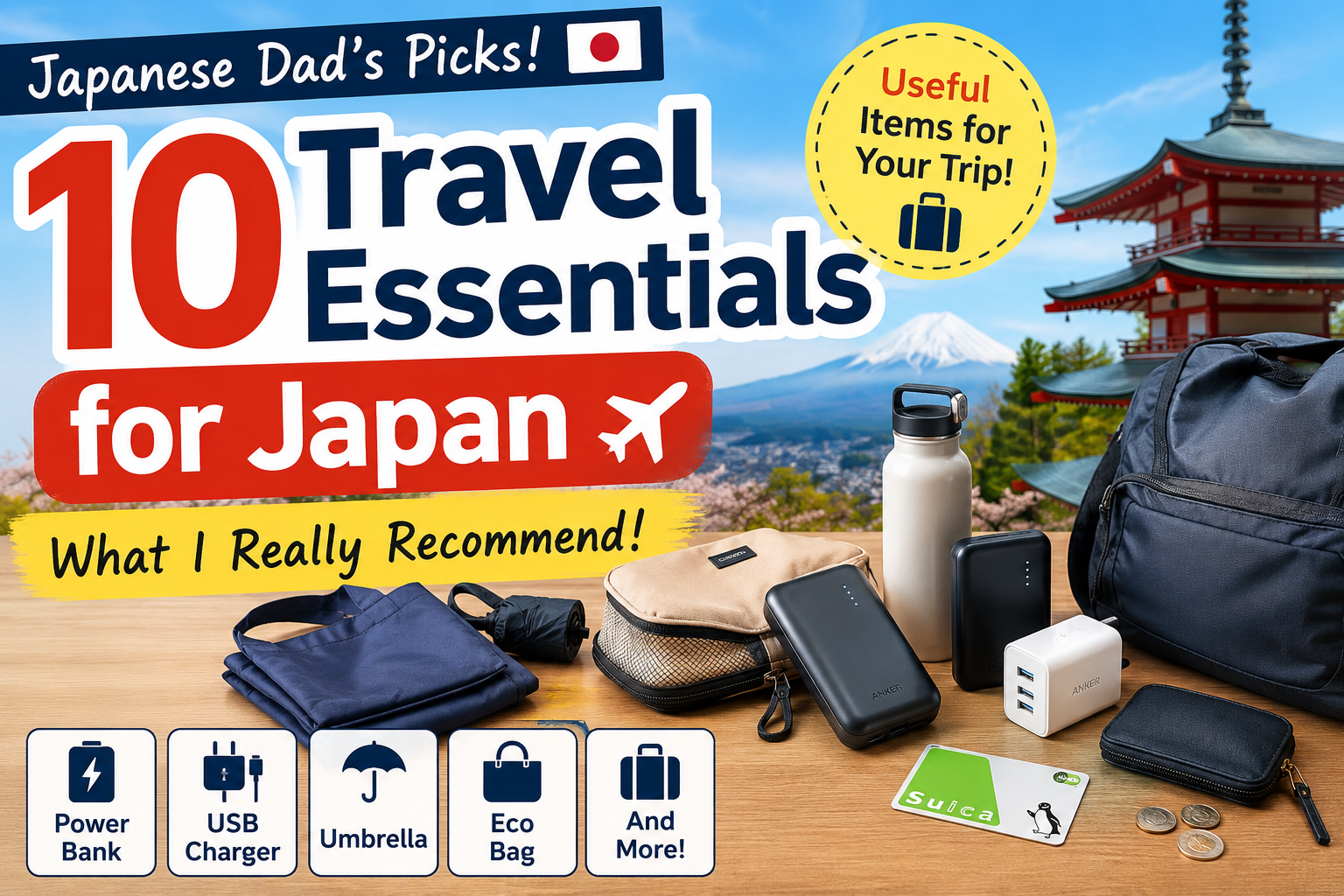
Welcome Suica Mobile is convenient, but it also makes your iPhone more important. Carrying a portable charger is a good idea.
See also:
- What to Pack for Japan: 10 Useful Travel Essentials
- Best Portable Chargers for Japan Travel
Welcome Suica Mobile or a Physical IC Card?
Welcome Suica Mobile is best for:
- International visitors with a compatible iPhone
- Travelers who want to avoid buying a physical card
- People with more than one Apple Pay payment card
- Travelers who are comfortable using their phone for transportation
A physical IC card may be better for:
- Most overseas Android users
- Travelers whose Apple Pay cards are repeatedly declined
- People who prefer using cash from the beginning
- Travelers who do not want to depend on their phone battery
Paper tickets may be enough for:
- Travelers taking only a few train journeys
- People visiting areas where IC card coverage is limited
- Anyone who cannot issue a digital Suica and cannot find a physical card
Is Welcome Suica Mobile Worth Using?
For an international visitor with a compatible iPhone and a working Apple Pay card, Welcome Suica Mobile can be very convenient.
You do not need to buy a physical card, and after setup, you can pass through ticket gates by tapping your iPhone. You can also check your balance and top up from your phone.
However, it is not the best option for everyone.
The most important points are:
- You need a successful Apple Pay top-up to issue the Suica.
- Cash top-ups are available only after issuance.
- The Suica is valid for 180 days from the date it is issued.
- The remaining balance is not refundable.
- Most overseas Android phones are not currently supported.
- Your iPhone battery becomes more important during your trip.
I originally planned to recommend regular Mobile Suica to international visitors.
Then I discovered that Japan already had Welcome Suica Mobile, a version designed especially for them.
Even as someone living in Japan, I learned something new.
And if you feel nervous the first time you stand in front of a Japanese ticket gate with your iPhone, I understand.
Hold your iPhone near the reader.
Wait for the beep.
Your train journey in Japan has begun.

Comments